NanoBanana 2.1 AI Image Generator & Editor
Turn your ideas into images with NanoBanana 2.1. Describe a scene or upload a photo to create, edit, and explore new styles. Try it free—no sign-up required to start.
Quick start
What Can You Create with NanoBanana 2.1?
Explore everyday ideas for your next project. Use NanoBanana 2.1 to draft a visual, compare directions, and refine the details before sharing. Choose a card to load a starting prompt.
NanoBanana 2.1 Examples and Prompts
Explore images generated with NanoBanana 2.1—from product photos and portraits to posters and illustrations. Open an example to see its prompt, then make it your own. Results vary with each generation.
Create and Edit with NanoBanana 2.1
Text to Image
Describe a subject, setting, and visual style. NanoBanana 2.1 turns your text prompt into an image you can review and download, from a simple object study to a detailed scene.
Posters with Text
Use NanoBanana 2.1 for a headline, label, or poster concept. Keep wording concise and specify the layout. Always proofread lettering, numbers, and other important details in the final image.
Edit a Reference Photo
Upload one reference image and describe the change. NanoBanana 2.1 can explore new colors, backgrounds, and styles. Tell it what should stay the same, then check the result against your original.
Refine One Idea at a Time
NanoBanana 2.1 generates one image per request on this website. Adjust the lighting, framing, or prompt between attempts to compare variations and find the direction that fits your project.
Choose Your Format
Choose a square, portrait, or landscape aspect ratio for your NanoBanana 2.1 image. The guest trial uses 1K resolution; signed-in options include 2K and 4K with the displayed credit cost.
Review and Download
Review your NanoBanana 2.1 result in the creation area and download the images you want to keep. Save important files to your device; do not rely on generated image links as permanent storage.
How to Use NanoBanana 2.1
Start with an idea, describe the details, and review your result. NanoBanana 2.1 runs in your browser, so you can try a prompt without installing an app.
1. Describe Your Idea
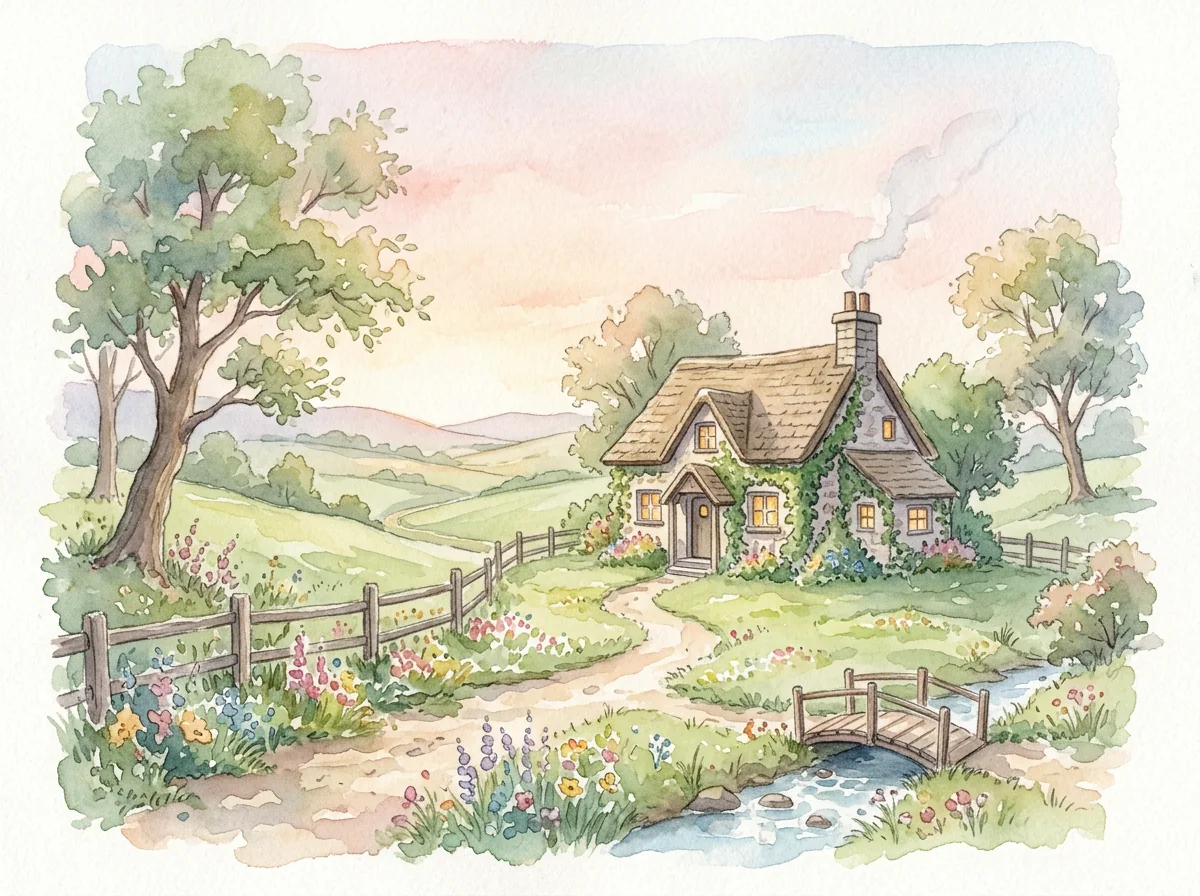
Start NanoBanana 2.1 with a clear subject: a ceramic mug, a quiet reading corner, or a watercolor cottage. Add the setting, lighting, and style. For posters, include the exact words you want and where they should appear. You can also try one of the example prompts above.
2. Set the Direction
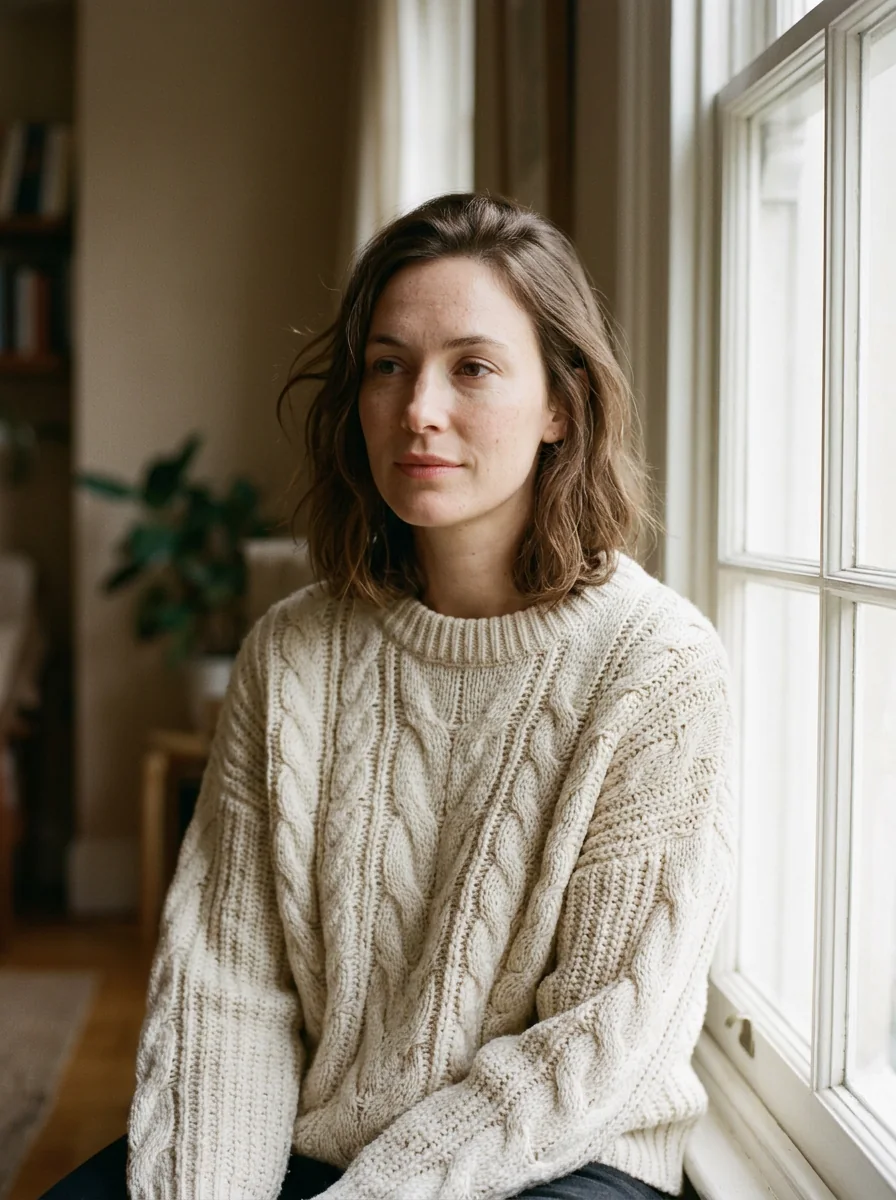
Choose your aspect ratio before generating. For image-to-image editing in NanoBanana 2.1, upload one photo and describe the changes you want. Mention the features to keep, such as the subject, pose, or composition. A focused edit is easier to evaluate than several unrelated changes at once.
3. Generate, Review, and Download
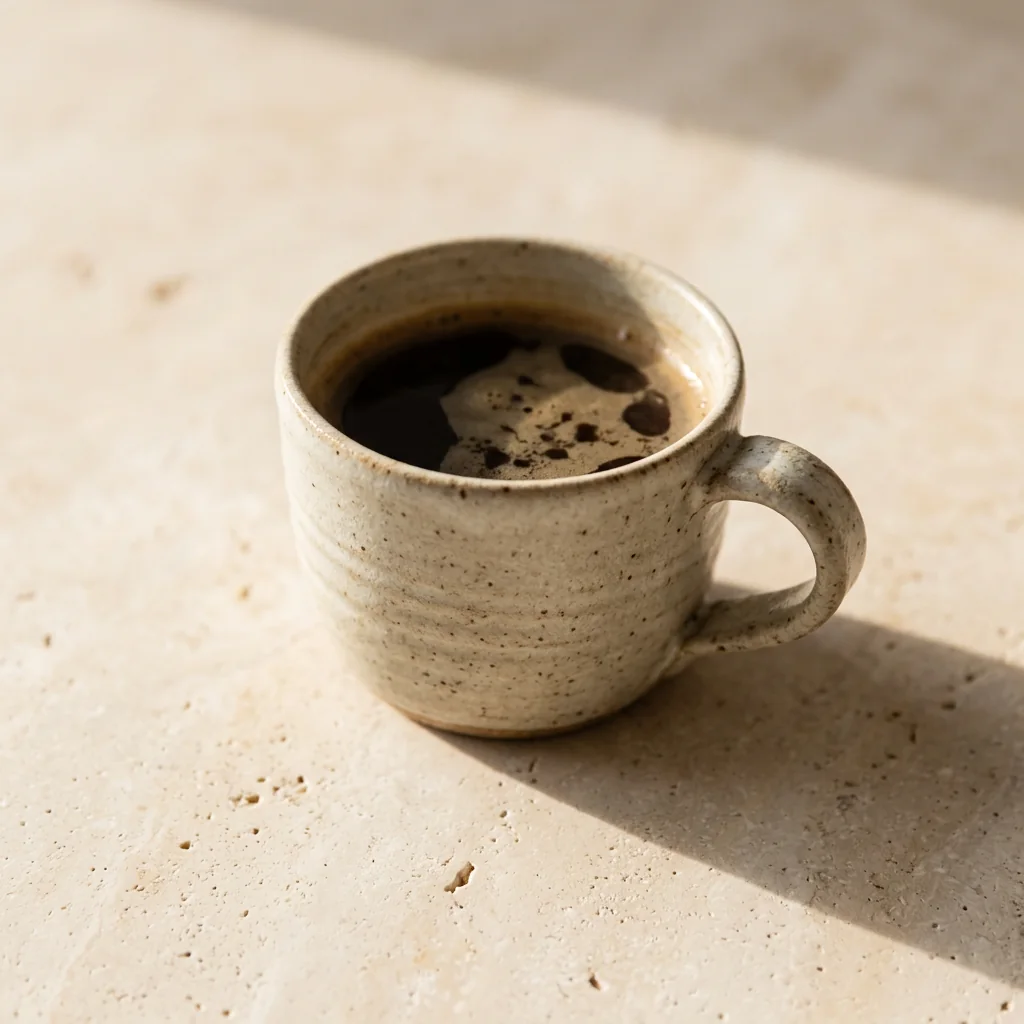
Generate your NanoBanana 2.1 image and inspect the result. Check faces, product details, and any lettering before using it. Download your favorite version, or refine the prompt and try again. When your free trial is used up, visit Pricing to choose a plan and sign in to continue.
NanoBanana 2.1 FAQ
Answers about NanoBanana 2.1, the free trial, image editing, prompts, and using this independent website.
Where can I try NanoBanana 2.1 online?
You can try NanoBanana 2.1 online at nanobanana-21.co. Enter a text prompt or upload a reference photo to generate or edit an image in your browser. Use the generator at the top of this page, or select an example below it to start with a ready-made prompt.
Can I use NanoBanana 2.1 without signing up?
Yes. You can try NanoBanana 2.1 without signing up. The guest trial includes two successful 1K images, subject to availability and abuse-prevention limits. No account is needed to start. Once the trial is used up, continue through the Pricing page and sign in to use account credits.
Do I need an API key or an app download?
No. NanoBanana 2.1 works through the generator on this website, so you do not need to install an app, write code, or provide a personal fal API key. Open the page in your browser and describe your image. This website offers a visual interface rather than a developer API.
Can I edit an existing photo with NanoBanana 2.1?
Yes. Choose image-to-image mode, upload one reference photo, and describe what you want to change. NanoBanana 2.1 can explore different backgrounds, colors, and visual styles. Specify what should stay the same, such as the subject or composition, and compare the result with your original before using it.
Can I create product photos for my online store?
You can use NanoBanana 2.1 to explore product photography concepts, backgrounds, and lighting. Upload a product reference for an edit or describe a new scene. Check the result against the real product: shapes, labels, colors, and small details may change. Our product example includes a prompt you can reuse.
Can I make social media images and posters?
Yes. NanoBanana 2.1 can generate social media visuals, poster concepts, and illustrations from your description. Choose a suitable aspect ratio and describe the composition. For a poster, put the exact headline in quotation marks and specify its placement. Check all lettering before publishing; the example gallery offers starting prompts.
Does NanoBanana 2.1 support 2K and 4K images?
Yes. This website offers 1K, 2K, and 4K resolution options for NanoBanana 2.1. The guest trial is limited to 1K. Sign in to choose higher-resolution options with account credits, and check the displayed cost before generating. Choose an aspect ratio separately to match your intended layout.
How do I write a good NanoBanana 2.1 prompt?
Use this starting formula: subject + setting + lighting + style. For example: “A ceramic mug on pale stone, morning side light, minimal product photography.” For edits, explain what to change and preserve. The NanoBanana 2.1 examples include reusable prompts; selecting one fills the generator without automatically starting a generation.
Can I use NanoBanana 2.1 on my phone?
Yes. You can use NanoBanana 2.1 in your phone’s browser without installing a separate app. The generator, example previews, and navigation adapt to smaller screens. Enter a prompt or choose a photo from your device, then review your result. A larger screen can help when checking fine image details.
What happens when my free images run out?
After your two successful trial images, the next generation attempt takes you to Pricing. Choose an available plan and sign in to continue with account credits. NanoBanana 2.1 credit costs are shown in the generator before submission and depend on resolution. Review the current plan details and included credits before purchasing.
Is this the official Google Nano Banana website?
No. nanobanana-21.co is an independent website that provides access to NanoBanana 2.1 through fal. It is not Google’s official website and is not affiliated with Google. Here, “Nano Banana 2.1” and “NanoBanana 2.1” refer to the same selected model in our image generator and editor.
What image formats and upload sizes are supported?
For reference-photo editing with NanoBanana 2.1, upload one PNG, JPEG, or WebP image up to 5 MB. Choose a clear image where the subject is easy to see, then describe your edit. Each generation request produces one image. Download important results to your device rather than relying on image links as permanent storage.
Try NanoBanana 2.1 with Your Next Idea
Create a product shot, explore a new illustration style, or edit a photo with NanoBanana 2.1. Start with your own prompt or borrow one from the examples above.